
The short version.
You bought the software and nothing changed because the rollout added a place to put information and closed none of the old ones. Both ways still worked, so the work kept taking the one already worn in. The question that decides your next rollout is what stops working the old way on day one. For most shops that answer sits at close-out, where the invoice can only be produced from what the field entered.
If you bought the software and nothing changed, look at what the rollout closed. Most of the time the answer is nothing, so the work kept going exactly where it had always gone.
The freeze makes sense
You spent real money and real weeks. Everybody sat through training.
Six months later the actual record of a job is a text, a photo on somebody’s phone, and a line written in the truck.
Freezing after that is a reasonable read of what you saw. Something cost you money and time and the week didn’t change. Nobody signs up for that twice on faith.
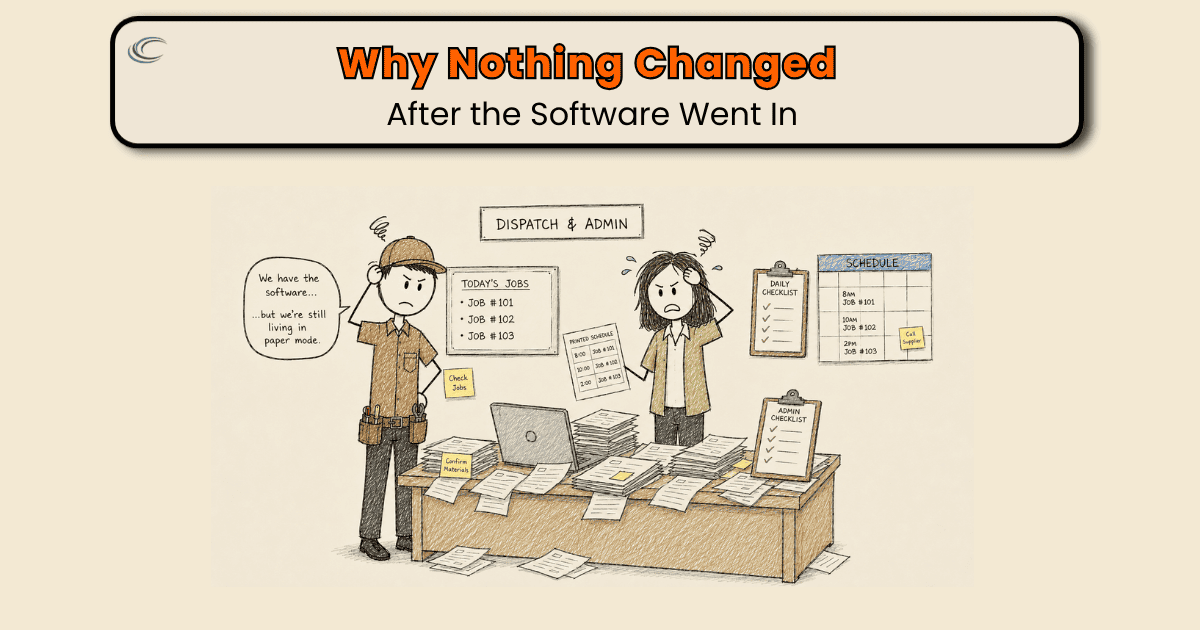
Where the rollout actually stopped
New software almost always sticks at the top of the job. Calls get booked in it. The board runs on it. That part holds, because the office has no other way to schedule a day.
Then the job leaves the building.
By the time the work is done, the record is spread across four places. What the customer approved is in a text. What was found is in one man’s head. What came off the truck is nowhere.
The call ends at 4:40. The circuit works, the customer’s happy, the note says “replaced breaker.” The devices that came off the truck to get there never make it onto anything, and the trip to the counter that morning is a receipt in the door pocket.
Panel swaps spread it wider. What was found once the old equipment came off, the circuits that had to be extended, the hour it took to relabel, all of it lives in the head of the man who did it and nowhere on the job.
Nothing in that day required the new system. The texts still got read. The office still built the invoice out of fragments, the way it always had.
Both paths worked. The work took the one already worn in.
What has to stop working
Ask this before the next rollout, on the demo call, before you spend a dollar: the day this goes live, what stops working the old way?
If the answer is nothing, the rollout is over before it starts.
For most shops the answer sits at close-out. That’s where a day’s information either gets captured or gets rebuilt later by somebody who wasn’t there.
So build it there. The invoice comes out of the field record. Findings, material used, photos, the authorization, the signature, all entered on site. The invoice is what the system produces from them, and it’s the only way to get one.
Enter it once and the job closes. Enter it nowhere and it doesn’t.
That one requirement does more than the other twelve features you were sold. The supply house run gets charged to the job it was for. Recommended work turns into an estimate instead of a memory. And the callback next spring connects to the panel it came from.
What that means for the next one
Most shops in this position already own software that can do this. It got configured to hold the schedule and then left alone.
What was never built is the requirement: one place a job has to be finished, and no other way to get an invoice out the door.
FAQ
Should we switch software or fix how we’re using what we already have?
Look at what you own first. Most field service platforms can already produce the invoice from the field record. If yours can, switching costs you another rollout to land in the same place. If it genuinely can’t close out a job on site, that’s a real reason to move.
Is it worth trying another rollout after the last one didn’t take?
Yes, but not as a bigger version of the last one. The difference is deciding up front what stops working the old way on day one. If nothing does, you’ll be running both ways of working again, and the old one will win again.
Why does the office end up rebuilding what happened on a job?
Because the record arrives in pieces, from a text, a photo, a note, a receipt in the truck, and somebody has to assemble it before anything can be billed. That rebuilding step is a sign the information was never required in one place while the job was still open.
Won’t entering all of that on site slow the job down?
The typing already happens. Right now it happens later, at the office, by somebody who wasn’t there and has to work it out from fragments. Entering it once on site is the shorter version of that, and it’s the only version where the person doing it actually knows what happened.
How do I know before we buy whether this one will stick?
Ask the vendor to show you a job going from dispatched to invoiced without anyone re-typing something that already existed. If that demo needs a workaround, you’ve found where your rollout will stall.