
SHORT VERSION
The reason the notes come back late, thin, or missing is that documentation sits at the end of the day instead of inside the job. The note field is a blank box, so what you get back depends on how the day went, not on what the office needs. The fix isn’t reminding anyone. It’s making the close-out a required step the job can’t skip: what was found, what was done, photos from the site, and material used, all filled in before the job can be marked complete. Build the record into the work and the work carries it.
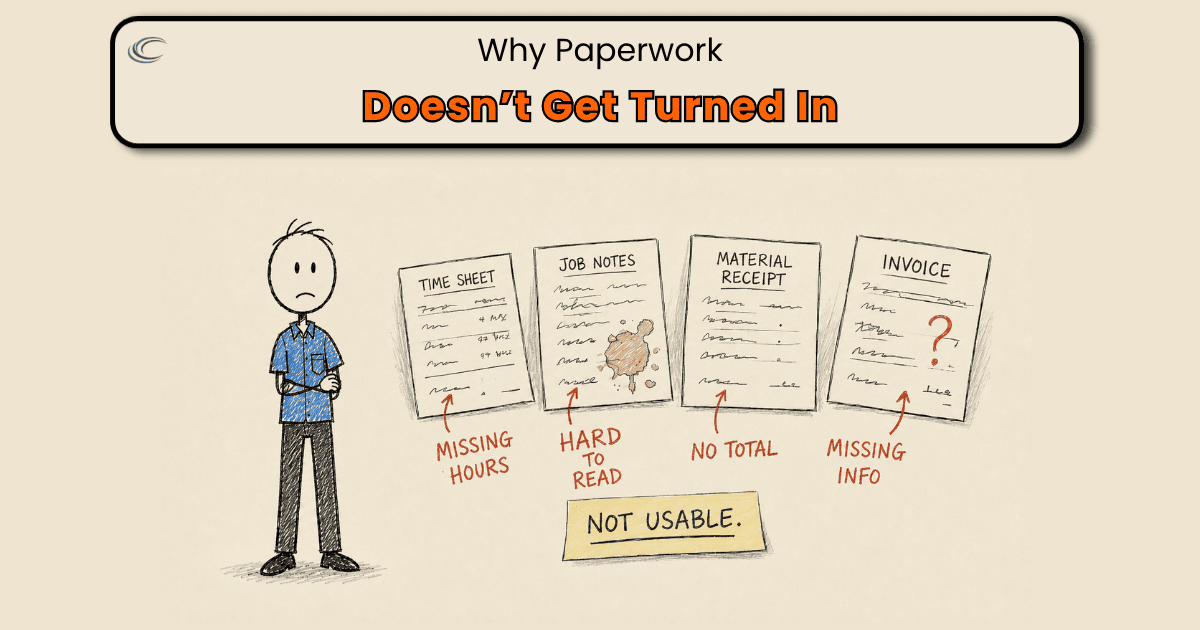
Job paperwork comes back late, illegible, or lost when documentation lives at the end of the day instead of inside the job. The note field is a blank box someone fills from memory, or doesn’t, and the office is left guessing at what actually happened on site.
That’s not a writing problem and it’s not a memory problem. It’s that closing a job and documenting a job are two separate things in your shop, and only one of them is required before the next call.
Where the paperwork actually gets lost
A service call wraps at 4:40. There are two more on the board, so the note gets typed at a red light, or that night, or Thursday when the office finally asks. By then “GFCI in the kitchen kept tripping, found a failed device, replaced it, tested the circuit” has become “fixed outlet.”
The receptacle that came off the truck never made it onto the invoice. The before and after photos are sitting in a camera roll, mixed in with everything else.
None of that is anyone slacking. The note field asked for nothing, so it got nothing specific.
The photos had no place to go, so they went to a phone. The material had no capture step, so it stayed a memory. Every one of those is a missing step, not a missing effort.
And it costs you in three places at once. The office rebuilds the job from a two-word note. The invoice goes out light because the material never got recorded, so you eat it. And the job closes with no real record of what it took, so job costing is a guess.
Why don’t reminders fix it?
Because a reminder is a habit, and a habit loses to a busy day every time. You hold the meeting, you put it in the group text, and it works for two weeks. Then a Tuesday stacks up three emergencies and the notes go back to “fixed outlet,” because nothing in the job stopped it from closing without them.
The paperwork you get back is exactly as good as the form you hand them. A blank notes box and an optional photo button will always give you what the day allowed. The field is where the blank box lives, so the field is where the fix has to live.
Make the close the gate
The change is one thing, and it’s structural. A job cannot be marked complete until the close-out is done. Not “should be.” Cannot. The software you already own can be set up this way. ServiceTitan, Housecall Pro, and Jobber all let you build a close-out the job has to pass through before it reads as finished.
So you decide once what the office actually needs to never chase a job again, and you make those the fields that have to be filled before “complete”:
- What the complaint was, what was found, what was done. Three short prompts, not a blank box.
- Before and after photos, uploaded from the job, not the couch.
- Material used, picked from a list, so it lands on the invoice and the job cost on its own.
- Customer sign-off.
Now the capture happens on the job, while the details are still fresh, instead of getting rebuilt that night or guessed at by the office on Thursday. The paperwork stops depending on how the day went, because the job won’t close without it.
FAQ
How do I get job notes filled out without chasing anyone?
Stop relying on people to remember and make the notes a required part of closing the job. If the software won’t mark a job complete until the close-out fields are filled, the notes get done in the field while the details are still fresh, every time.
Should I require photos on every service call?
Yes, and require them uploaded from the job, not later. Photos taken on site are worth more than anything reconstructed at home, and they settle callbacks and disputes fast. Make them a field the job can’t close without.
Why does the office keep having to rebuild what happened on a job?
Because the record they’re working from is a two-word note. When the close-out is just a blank “notes” box, the office gets whatever the day allowed and fills the gaps by phone. Turn the close-out into required prompts and there’s nothing left to rebuild.
We already use ServiceTitan (or Housecall Pro, or Jobber). Can it do this?
Yes. All three let you build a close-out with required fields and photo uploads before a job can be marked done. Most shops just never set it up that way, so the default blank note box is what everyone lives with.