
SHORT VERSION
Yes, ServiceTitan and QuickBooks connect, and the connection is not what’s wrong. It carries the billing you already finished into accounting. It cannot carry the supply house receipt sitting on a dash, the material that came off the truck, or the extra work nobody wrote up, because none of that was on the job to begin with. A connection copies the job record. It does not build it. Job costing shows up the day a job can’t be invoiced until hours, material, and purchases are attached to it.
Yes. You can integrate ServiceTitan with QuickBooks, and the connection isn’t where this breaks. What a connection does is carry finished billing from one system into the other. What it won’t do is fill in what was never put on the job in the first place. It copies your job record into accounting. It does not build the record.
What the connection actually carries
A link between your field software and your accounting software moves finished records. The billing you completed shows up on the accounting side without the office typing it a second time. That’s real work it takes off somebody’s desk, and it’s worth having.
It reads what is on the job and writes it into accounting. It has no way to go looking for what isn’t there.
What never makes it onto the job
Most of what a job costs happens nowhere near the invoice screen.
A breaker comes off the truck at ten in the morning and the empty box goes in the door pocket. That afternoon one of your guys stops at the counter for a disconnect, and the receipt ends up on the dash. On a remodel, the customer asks for two more can lights during trim and they go in that day, because the crew was standing right there with a ladder up.
All three cost you money. None of them is on the job. Nothing at the counter requires a job number before the material leaves, nothing records what came off the truck, and there’s no place on the job for work that was never priced.
So the invoice crosses into accounting complete, as far as the software is concerned. The revenue is on it. Most of the cost isn’t.
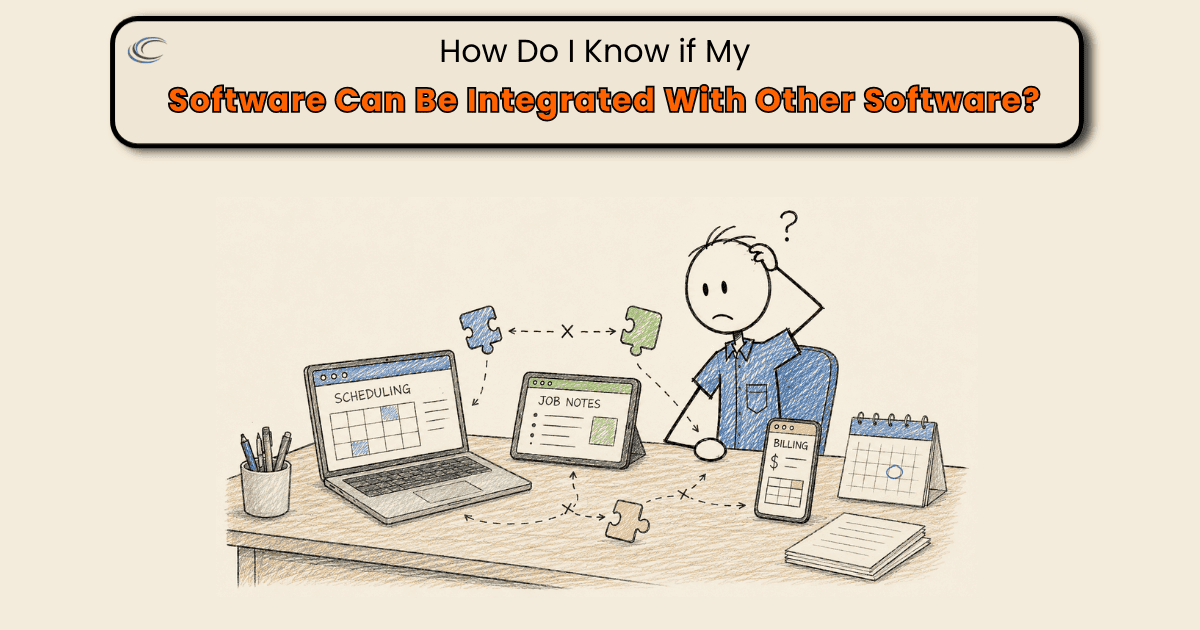
Why doesn’t the sync fix job costing?
Because a connection moves information that already exists. It cannot create information nobody entered.
That’s also why the next app doesn’t help. Add a receipt tool, a time app, a purchasing tool, and each one connects to the same job record with the same holes in it. Now you have the same partial job in more places.
Nothing crosses until the cost is on the job
The invoice is where to build this, because it’s the one document that never gets skipped. Every job gets billed. Nobody forgets the money.
So make the invoice the gate. A job does not move to invoiced until three things are on it: the hours worked, the material that came off the truck, and any purchase made for that job.
Two of those need something underneath them to be possible.
The job number has to exist before anybody can spend money on the job. It gets created when the work is scheduled and it goes out with the electrician, so there’s a number to put on the ticket at the counter. Then a ticket that comes back without one doesn’t get coded to a job, and it doesn’t get paid until it is. A purchase with no job number is a cost you’ll be guessing at six weeks later, when the receipt turns up and nobody remembers which house it was for.
Truck stock is the one most shops leave alone, because a cheap device feels like it isn’t worth the trouble. Across a year of service calls, none of that material is on any job. Material used gets recorded on the job the same as everything else, before the invoice can close.
Make it required on the record rather than something you ask for. A step the record allows to be blank will be blank on exactly the jobs you most want to look at.
Questions we get
Will connecting ServiceTitan and QuickBooks give me job costing?
It gets your finished billing into accounting without anybody typing it twice, which is worth having. Job costing needs cost, and cost only shows up in accounting if it was attached to the job before the invoice crossed. Get material, hours, and purchases onto the job first, and the same connection starts producing a number you can use.
Should I switch software if my apps don’t talk to each other?
Usually not first. Most shops find the same gaps show up in the new system, because the gaps are in what gets captured, not in which platform holds it. Fix what has to be on a job before it can be invoiced, then decide whether you still need different software.
Where should material purchases get entered, in the field software or in accounting?
On the job, in whichever system the field is already in, at the time of the purchase. Accounting can receive it from there. A receipt that sits in a truck gets to the books whenever somebody finds it, and it does not get onto the job at all.
How do I get supply house receipts attached to the right job?
The job number has to exist and travel with the work before anybody drives over there, so there’s a number to put on the ticket while the material is being picked up. Then hold the rule on your end: a ticket with no job number on it doesn’t get coded and doesn’t get paid until it has one. Matching receipts to jobs at month end is a rebuild, and rebuilds are where things get missed.