
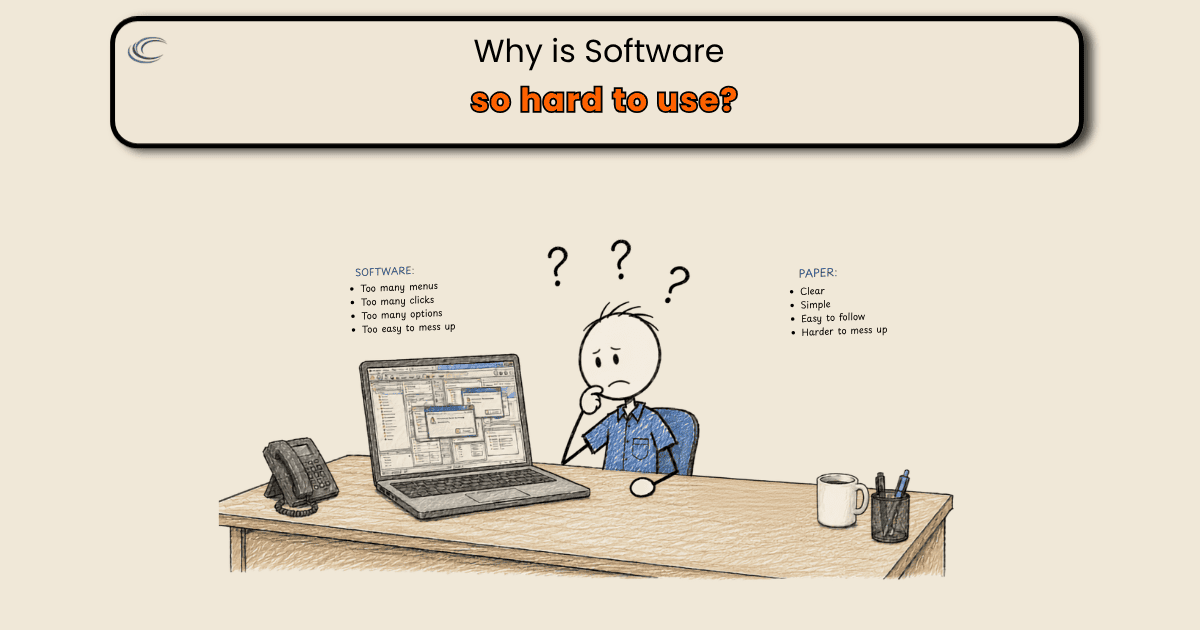
If you’re asking why ServiceTitan is so hard to use, the answer is usually not the software. It’s what got turned on the week you went live. Somebody sat in a configuration call and got asked what you want to capture, and the honest answer to that question is all of it. So most of it got set to required, and now a receptacle that stopped working closes out through the same screen as a service change.
None of the individual decisions were wrong. The list was just built once, as one list, for every kind of work the company does.
Where the extra fields came from
Implementation asks good questions. Do you want equipment information on the record. Do you want before and after photos. Do you want warranty dates, permit numbers, the material used, the customer’s signature. Every one of those is worth having on some job. Say yes to each of them in a two-hour call and you’ve built a close-out that assumes every call is the biggest job you do.
The panel change genuinely needs the equipment fields, the permit information, and the inspection result. The service call that took an hour needs the complaint, what was found, what was done, the material, and the amount due.
They got the same screen, so the short job carries the long job’s paperwork.
One list for every kind of work
A service call is diagnosed, priced, repaired, invoiced, and often collected in a single visit. A tenant improvement runs for weeks and carries change orders, progress billings, inspection results, and a punch list. Those are two different records, and the paperwork each one produces is a different list.
Software configured with one work-order type erases that difference. So the journeyman standing in a garage at ten to five, with the truck already loaded, is being asked for a change order number on a repair that never had one.
When a screen asks for information the job never produced, there is no version of that screen that gets finished in the field. It gets finished later, from memory, in the office, or it gets carried in a text message.
What the office actually needs off that screen
Take a finished service call and work backward from the invoice. It has to show the original complaint, what was found, what was performed, the material or repair option, any permit or equipment charge, the warranty, the amount due, and whether payment was collected. Photos, the authorization, and the material tied to the job number so somebody can tell later whether it made money.
That is a short list. It is short enough that a man can complete it standing at his truck before he pulls away.
Everything else on that screen is information you’d like to have. It’s not information the invoice or the job cost report breaks without.
Start from what the invoice can’t go out without
Pull up the required fields as they sit right now, and go through them one at a time asking a single question: what invoice line, or what report, is wrong tomorrow if this is blank? If somebody can name it, the field stays required. If nobody can name it, it goes optional. It’s still there. It still gets filled in on the jobs where it matters. It just stops standing between a finished job and a closed one.
Then do that pass twice, because you don’t do one kind of work. Service and repair gets its own required set, short. Quoted projects get their own, longer, because a project actually generates permits, inspections, change orders, and progress billing. Whether your system can carry a second work type with its own required fields is the first question to put to whoever set it up. Most shops are running one because one is how it got stood up.
The standing rule after that: a field becomes required when somebody can name what breaks without it, and only then. Not because it seemed useful in a configuration call. Not because the vendor’s default had it on. Otherwise the list grows back over eighteen months and you’re right here again.
FAQ
Should we switch to Housecall Pro or Jobber if nobody’s using ServiceTitan?
Probably not for that reason. The next platform will ship with defaults too, and whoever configures it will be asked the same question about what you want to capture. If the required-field list is the problem, you’ll rebuild the problem in a new system and pay a migration for it. Fix the configuration first, then decide whether the platform is actually wrong for your work.
How many required fields should a service call close-out have?
Enough to produce a correct invoice and a usable job cost, which is roughly the complaint, the findings, the work performed, the material, the authorization, the amount due, and the payment status. Photos where they protect you. If a field can’t be tied to something that breaks when it’s blank, it doesn’t need to be required.
Who decides which fields are required, us or the software company?
You do. The implementation team knows the product, and they’ll turn on whatever you ask for, but they don’t know which of your jobs are one-visit repairs and which run for six weeks. That’s your call, and it’s worth making deliberately rather than during a setup call where every question sounds reasonable on its own.
We might need that information later. What happens if we make a field optional?
Optional doesn’t mean gone. The field still exists, it still gets filled in on the jobs where it matters, and it still reports. The difference is that a job with no permit and no equipment record can be closed out on the spot, instead of stopping on a box the work never produced an answer for.