
SHORT VERSION
The photo you’ll want three months from now either got taken at the moment of work or it never existed. It goes missing because nothing in the job ever required one, and when one does get taken it lands on a personal phone the office can’t see. Make capturing it a step the job can’t close without, routed straight to the job record, and you stop losing them.
You never have the job photos when you actually need them because taking one was never a required step in the work. Right now it’s an extra thing your guys carry on top of the job, on memory, and it lives on a personal phone the office can never find.
Where the photo actually goes missing
The photo isn’t missing because your guys don’t care about photos. It’s missing because nothing in the job ever asked for one. Taking a picture is a separate thing they’re supposed to remember, in the middle of diagnosing a dead circuit or making up boxes, with the customer talking and the next call already stacking up.
On a slow day they remember. On a full one it’s the first thing that drops, and nobody notices, because the job closes fine without it.
When a photo does get taken, it lands on a personal phone. It never reaches the job. The office can’t see it.
Three months later it’s buried under nine hundred other pictures, or it walked out the door when the person did. The shot technically existed and you still don’t have it.
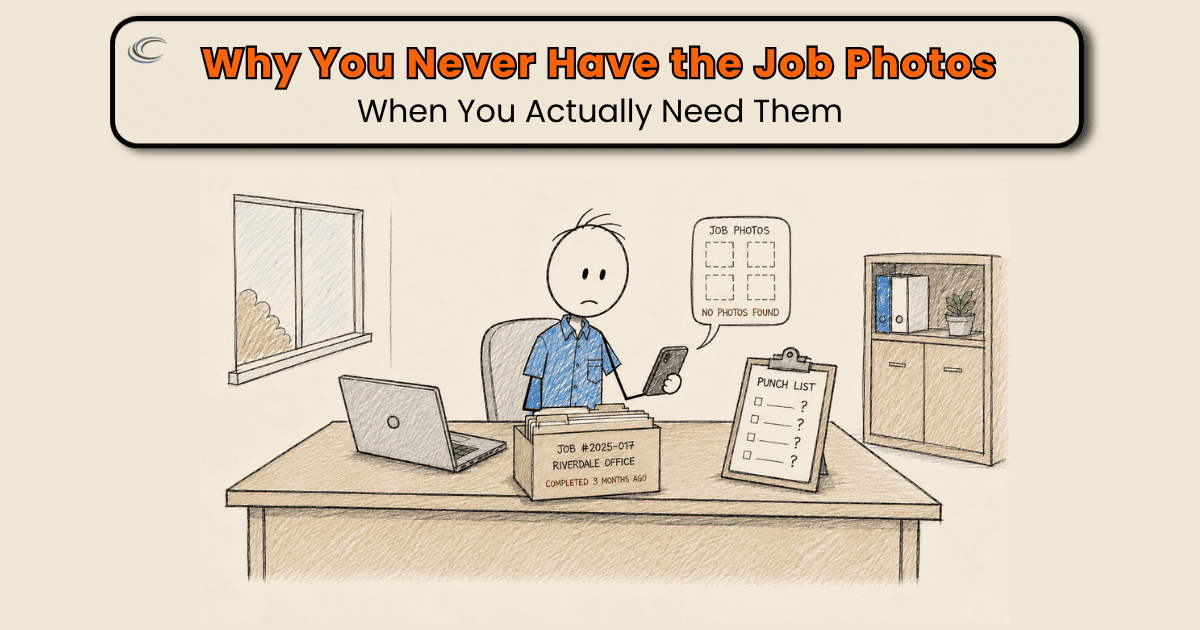
The call comes back as a warranty complaint. The customer says the burn mark on the panel was your work. You know it was there before anybody touched it, because your guy saw it. The before photo is on a phone that’s two phones ago, and now it’s your word against theirs.
The miss never hurts on the day it happens. It hurts later, when there’s a callback, a dispute, or an invoice nobody can back up.
Why does it only cost you later?
A photo is insurance, and you only reach for insurance when something’s already gone wrong. The day of the work, skipping it costs nothing. The circuit’s fixed, the customer’s happy, everybody moves to the next call. The bill for the missing photo comes due on a different day, when a GC disputes a change order you can’t prove you did, or a customer wants a return trip on a repair you documented but can’t find.
By then the moment is gone. You can’t go back and photograph a panel the way it looked before you opened it. That shot existed for a few minutes, months ago, and now it doesn’t. That’s why “take more photos” never sticks. The problem was never a shortage of reminders.
Make the photo a step the job can’t close without
A rule that depends on somebody remembering is the thing already failing. So the fix isn’t a better reminder. The photo has to become part of the job itself, not a favor on top of it.
Two things build it in.
The photo lands on the job record, not a phone. The field app your guys already carry attaches a picture straight to the job in a couple of taps, so it sits on the record the office sees, tied to the work, not in a camera roll nobody can search. That one change turns a photo from a personal file into a company record.
Capturing it is a required step in the visit, at the point where the shot still exists. The before shot gets required before work starts, while the panel still looks the way it looked when your guy walked in. The finished shot before the job can be marked done.
A job missing either one reads as open, not closed. When the work can’t move forward without the photo, capturing it stops being a thing to remember and becomes part of doing the job.
Keep the required set short and specific, because “take photos” is the instruction already being ignored. Tie it to the questions you actually get called about: the condition before you start, the finished work, the panel and its labels. Three shots that settle a future dispute beat twenty that settle nothing.
FAQ
Should I just make it a rule and remind everyone in the next meeting?
A rule that runs on memory is the thing that’s already breaking. A reminder works for about a week. Build the photo into how the job gets closed instead, so a job with no photo shows up as unfinished, and you don’t have to remember to enforce anything.
Do I need new software for this, or can I use what I’ve got?
Usually what you’ve got. ServiceTitan, Housecall Pro, and Jobber all let a photo attach straight to the job from the field, and most let you make it a step in how the visit closes. It’s almost always a configuration you’re not using, not a new purchase.
How many photos should we require?
Fewer than you’d think, and specific. Tie the required set to the questions you actually get called about later: the condition before you start, the finished work, the panel and its labels. Three shots that settle a future dispute beat a phone full of pictures nobody can find.
What about all the photos already sitting on everyone’s phones?
They’re not on the job, so for practical purposes they don’t exist. When you need one you can’t find it, and it leaves when the person leaves. The point isn’t more pictures. It’s that the picture lands somewhere the office can pull it up months from now.