
When job notes don’t get filled out in the field, the reason usually isn’t the crew. It’s that nothing in the job actually requires the note before the work counts as done.
Look at when the note gets written. Not on the job. Later. At the end of the day, in the truck or at the kitchen table, when one of your guys is rebuilding five calls from memory. By then the panel model is a guess. The material off truck stock is a guess. The before-condition is gone, because no photo was taken of it. What reaches the office isn’t a bad note. It’s whatever he could still remember by six o’clock.
Where job notes actually get lost
The paperwork doesn’t get lost at the office. It gets lost in the gap between doing the work and writing it down. On a service call, your guy finishes, tests the circuit, the customer’s happy, and he’s onto the next call across town. The work is done. The note isn’t, and nothing about closing out the job says it has to be. He can mark the call complete and drive off. The note is now a chore waiting for a gap in his day that never comes.
On a panel swap it’s worse, because there’s more to record and more riding on it. Which circuits got relabeled. What got extended. What the inspector flagged. If all of that goes down at six from memory, half of it doesn’t go down at all.
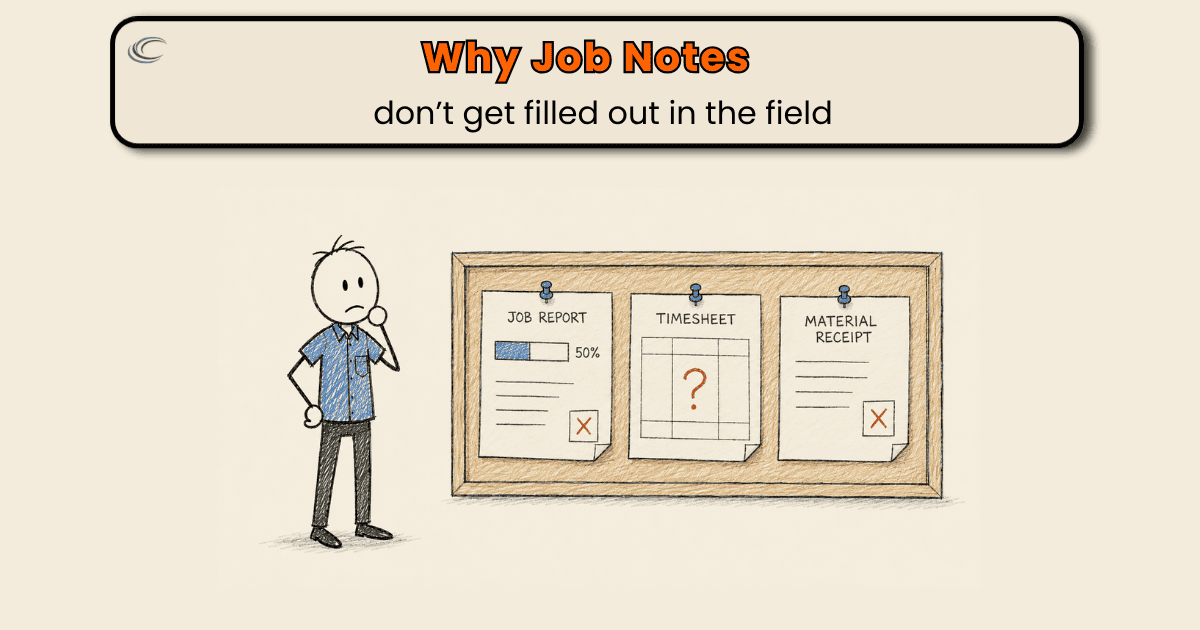
Why reminders never get the paperwork filled out
Every owner has had the conversation. Fill out the notes. Take the photos. Turn it in. It holds for two weeks, then it drifts, and you’re back where you started, and it starts to feel like a people problem.
It isn’t. You’re asking a person to hold a habit against a system that doesn’t require it. The job software lets the call close with the notes blank. The invoice can go out with “replaced device” and nothing else. Nothing downstream stops and says the record isn’t there. When the system doesn’t require the note, the note becomes the first thing that gives when the day gets tight, and the day is always tight.
Naming that isn’t letting anyone off the hook. It’s pointing at where the record actually gets lost. There’s no point in the job where the note has to exist before the work moves on. So it doesn’t.
Make the note part of closing the job
The record has to get captured where the work happens, before your guy leaves the site, while the panel is still open and the model number is still in front of him. Then the close-out checks for it. The call can’t go invoice-ready until the fields that matter are filled: what was found, what was done, what material came off the truck, and the photos. If those are blank, the job isn’t done, because the system won’t let it advance.
A better form doesn’t get you there. Neither does a firmer reminder. Both still depend on your guy choosing to do it in a gap that never opens. Requiring the fields takes the choice out of it.
Most field software you already pay for can do exactly this. The required-field setting is sitting right there, almost never switched on, because switching it on was a decision nobody made when the software got set up. That’s the build. Decide which fields a job genuinely can’t close without, make them required, and let the software hold it so it isn’t one more thing you chase.
FAQ
Should I switch field software to fix this?
Probably not. Whatever you’re on almost certainly has required fields and mandatory photos at job completion. The setting’s just off. Turning it on costs nothing and fixes more than a new platform will.
What should a job note be required to have before the job closes?
A short list: what was found, what was done, the material that came off the truck, and photos before and after. If those four are in, the office can invoice and cost the job without calling the field. Everything past that is nice, not necessary.
My apprentices are newer and slower at this. Won’t required fields drag every job down?
A little, up front, and less than you’d expect. Filling out four fields at the site takes a couple minutes. Rebuilding them later from a blank note, or driving back for a photo nobody took, costs a lot more.
We still run paper in the field. Does this apply?
Yes, but paper can’t stop a job from closing, so it leaks eventually. On paper the version of this is a truck routine: the note gets filled before the guy leaves the site, and the office doesn’t mark the job done until the paper’s in hand. Software just enforces the same rule for you.