Quick answer: You probably don’t need to switch field service software. What you are already paying for went unused because your actual day to day work was never mapped out before the tool got turned on. So it sat on top of a process that only lived in people’s heads. A new piece of software puts you in the same spot. Trade businesses pay $2,000–$5,000 a month on average for software used at about 20%, which runs $20,000 to $50,000 a year. Write out how the work moves first. Then the software has a process to work from.
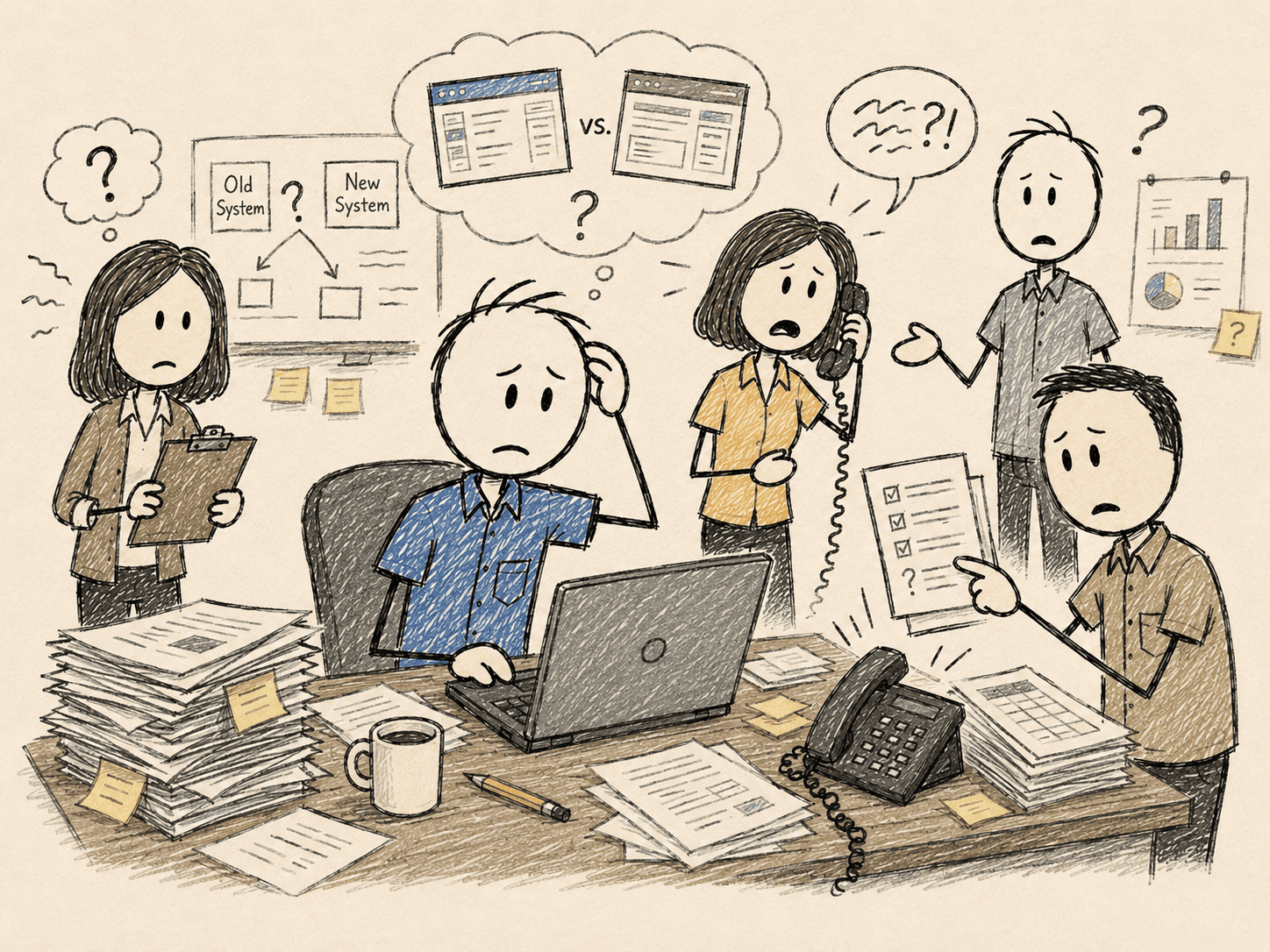
It’s nine at night and you’ve got tabs open for three NEW pieces of software that promise to fix everything in your business. You’ve read every pricing page twice.
You did this two years ago. Bought the big one everybody recommended. Paid for onboarding. Sat your people through the training.
For about a month, they used it.
Then dispatch drifted back to the whiteboard. The lead tech kept his jobs in his phone. The office ran the day off a group text and whatever the dispatcher remembered. The software’s still there. Still billed. Used at maybe a fifth.
And here you are again. About to spend five figures on the one that’s finally going to fix it all.
Should I switch field service software?
Probably not yet. The last software went unused because the work was never written out before it got switched on. It sat on top of a process that only lived in people’s heads. Switch tools without fixing that, and the new one lands in the same spot.
The tool isn’t the variable. The process underneath it is. Most owners have never seen that process written down anywhere, because it was never written down. It lives in the dispatcher’s memory and the lead tech’s phone.
Why does my team only use 20% of the software we pay for?
Because the tool was set up to run a generic process, and yours was never put on paper.
- The platform was configured to a vendor’s idea of how a shop runs, not how YOURS actually runs day to day.
- The real process lives in people’s heads: who takes the call, where the job goes next, who owns the handoff once it leaves the office to the truck.
- When the tool didn’t match the day, the team went back to what worked: the whiteboard, the phone, the group text.
$2,000–$5,000 a month, used at about 20%, is $20,000 to $50,000 a year in tools that were supposed to fix things. The business is running on memory and sticky notes instead of systems that is actually built.
Should I compare ServiceTitan, Housecall Pro, and Jobber?
Not as your first move. Any of the three works once the daily work is written out. While it isn't, the logo on the dashboard doesn't matter. Your team will work around it the same way they worked around the last one.
The comparison is a real question. It's the second question. Map first. Pick second.
| Switch the tool first | Map the work first | |
|---|---|---|
| What you're fixing | The logo on the dashboard | How a job actually moves |
| What the team does with it | Drifts back to the whiteboard | Follows a process that matches the day |
| The bill | A new five-figure spend, used at 20% | The software you already pay for starts earning its cost |
| Six months later | Shopping for platform #3 | The tool does what you bought it for |
What won't the software demo show me?
How a job actually moves through your shop. That's the only thing that decides whether the tool sticks.
Most solutions only fix one part of the problem. A coach looks at the owner. A software company looks at the software. Nobody looks at how the work actually moves through the business.
The salesperson configures a dashboard. Nobody stands in your office at 7am and watches a job get from the phone to the truck. Never been their job. Never been anyone's.
What makes new software actually stick?
Three steps, in this order:
- Map how the work moves now: every handoff, every drop-point, and what happens when the one person who knows is out sick.
- Build the process so it lives on paper, not in someone's head.
- Turn the software on over a process that already exists.
Do that, and the platform you already pay for might be all you need. The software finally does what you bought it to do.
Your shop doesn't need another piece of software to try and figure out. It needs someone to write down how a job actually moves before the next tool gets turned on.
Do that, and the software you already bought might be all you ever needed.
Skip it, and the demo you've got booked is just next month's bill nobody opens.